Today November 17, 2025, 06:01 PM
Today November 17, 2025, 06:01 PM
By KELVIN CHAN, Associated Press
Just in time for the busy holiday travel season, iPhone users can now add their passport details to their Apple digital wallets.
The company on Wednesday unveiled its new “Digital ID” system for users to add their U.S. passport information to Apple Wallet, which can be scanned at airport readers if travelers don’t have a Real ID.
Digital ID acceptance “will roll out first in beta” at Transportation Security Administration checkpoints at more than 250 U.S. airports for “in-person identity verification during domestic travel.”
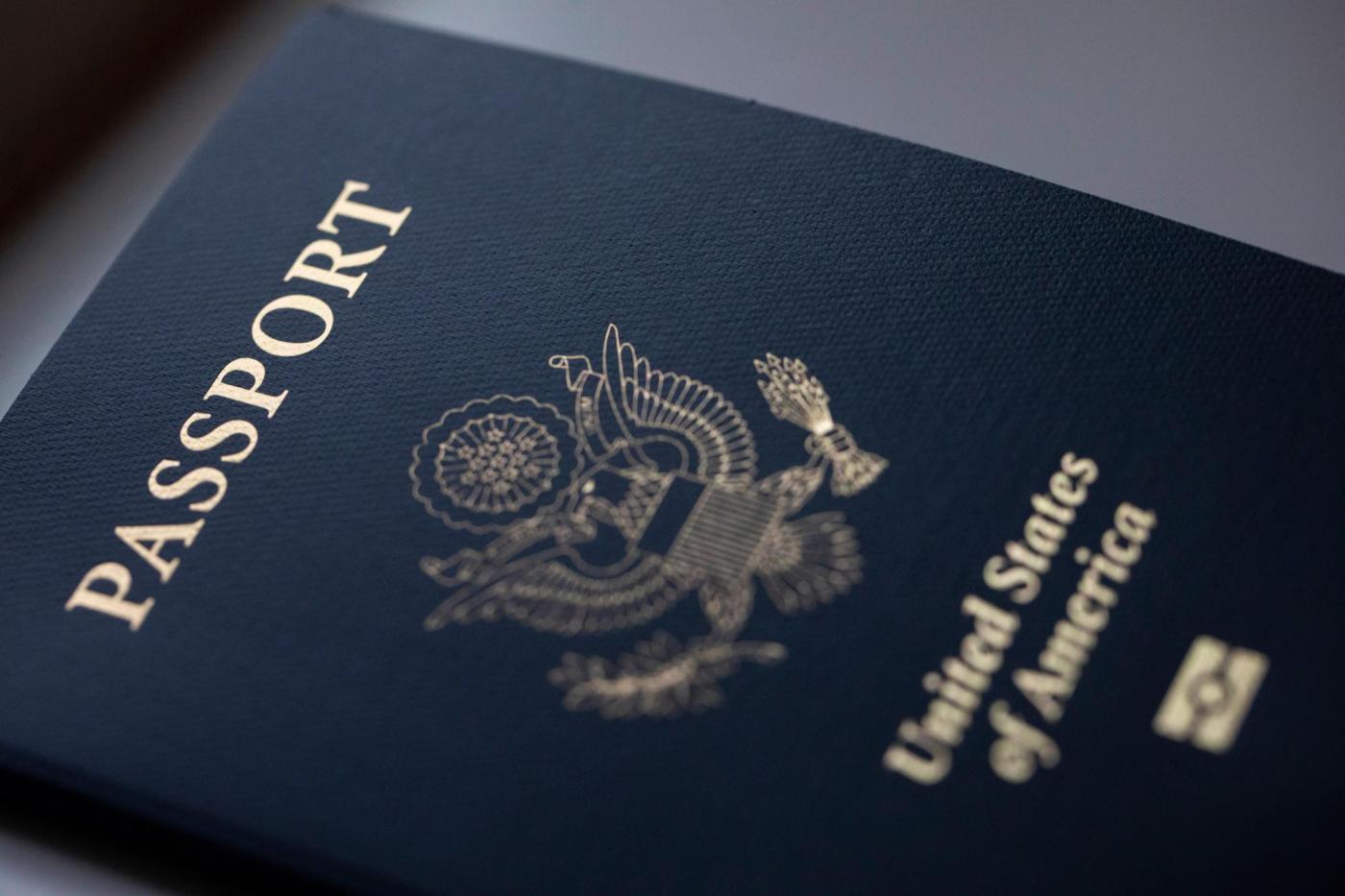
The company warned that Digital ID doesn’t replace a physical passport and can’t be used for international travel and crossing borders.
Apple already allowed people in 12 states and Puerto Rico to add their driver’s license or state ID to Apple Wallet, while TSA already accepts some form of a digital ID in at least 16 states and Puerto Rico.
“You can breeze through more than 250 TSA checkpoints faster and more securely than ever before,” the agency’s website says.
Here’s a guide on how to add your passport:
Open your iPhone’s Wallet app, tap the plus sign at the top and then tap the Digital ID option on the menu. If that doesn’t work for you, type in “Digital ID” into the app’s search bar.
Grab your passport and follow the instructions. You’ll have to use the camera to scan your passport’s photo page. Next, place your iPhone on the chip embedded on the passport’s back page to authenticate the data.
Finally, you will need to verify your identity, first by taking a selfie and then by carrying out a series of facial and head movements, such as turning your head or closing your eyes.
Once the verification procedures are done, the Digital ID will be added to the Wallet.
Using your iPhone to present your Digital ID is similar to using it to make a purchase.
Double-click the phone’s side button, which calls up the Wallet app. On the stack of cards, tap on the Digital ID. When it’s your turn at the TSA kiosk, hold your phone or Apple watch up to the reader.
The machine will take your picture, and then your phone will let you review the information that’s being requested, such as name and date of birth. In order to authenticate those details, you’ll have to use the phone’s face or fingerprint scanner.
Apple says your passport data is encrypted and stored on the device, and it can’t see when or where users present their Digital ID or the data that was shown.
The use of a face or fingerprint scan makes sure that only the person who the ID belongs to can release the info.
The company says that iPhone users don’t need to unlock, show, or hand over their device to present their Digital ID.
More than a dozen states already accept some form of a mobile ID at airport checkpoints, according to TSA.
The list includes: Arkansas, Arizona, California, Colorado, Georgia, Hawaii, Iowa, Louisiana, Maryland, Montana, New Mexico, New York, Ohio, Utah, Virginia and West Virginia, as well as Puerto Rico.
Travelers can go to the TSA website for more details.